

User profile settings
When you first log in to EasyCargo, you will be asked to choose the measurement units - metric or imperial ones. These settings, as well as language or password, can be changed under your user profile - you get there after clicking on your name in the upper right corner of the screen.
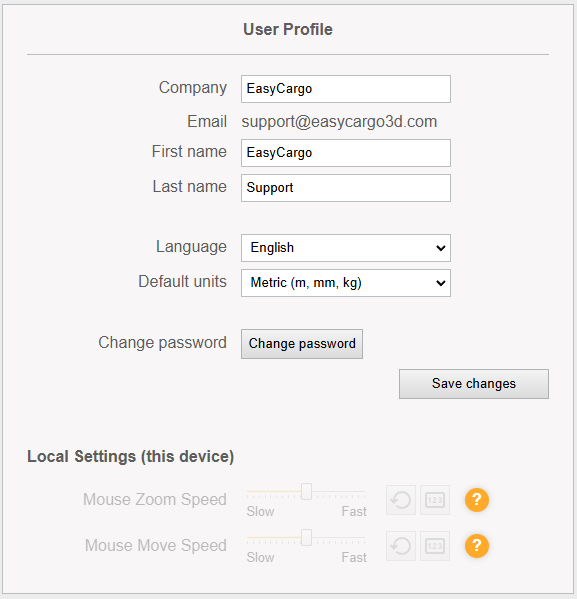
Here, you can also find the Mouse Zoom/Movement speed settings, which enable you to adjust the zooming sensitivity and move inside the 3D visualization via mouse or touchpad.
Here you can also add your company logo and adjust settings related to automatic shipment archivation.
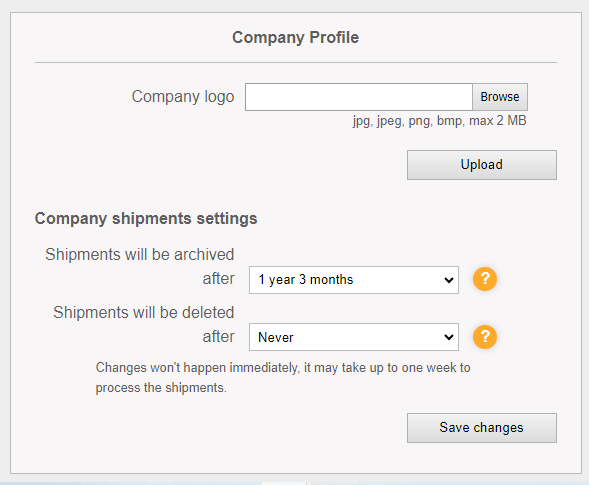
You can find more information in our video on setting up a user profile.